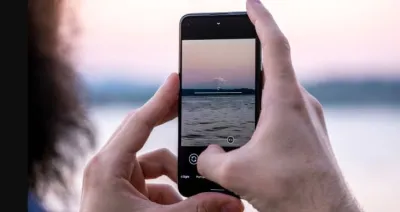
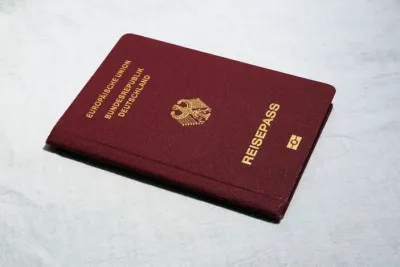
Sound familiar? You're filling out a visa application, applying online for a government service or sending documents to your employer. You pick a fresh photo from your iPhone, and the website says "Invalid file format" or doesn't upload anything at all. The photo is sharp, the face is clearly visible and the file is small. So what's going on?Usually the problem isn't the photo itself but the format your phone saved it in. Modern iPhones save photos as HEIC by default, but most official portals still accept only JPG (also called JPEG). The good news is that it takes a minute to fix, and below we'll show you exactly how.